
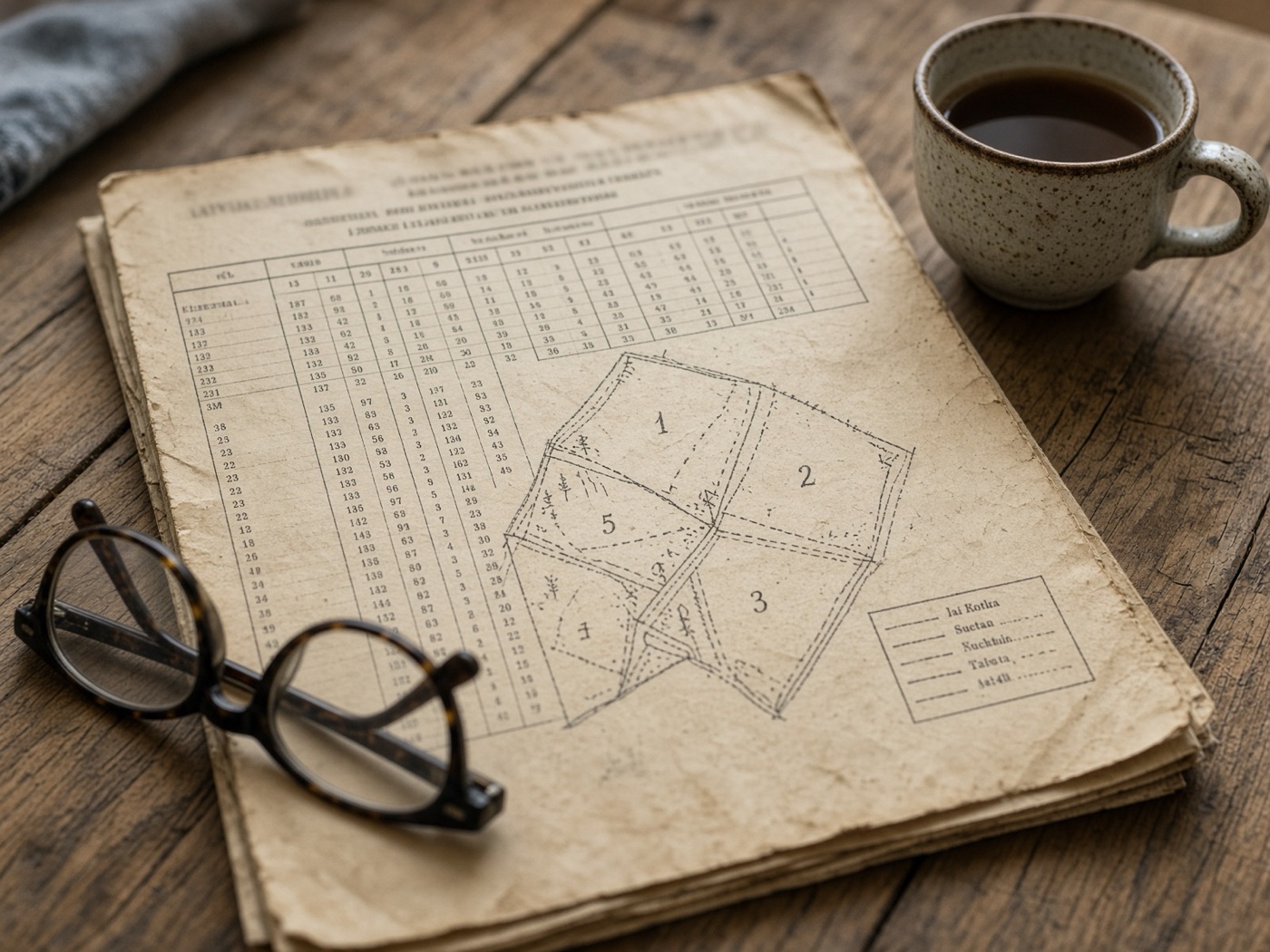
Old papers, no clear picture
The inventory is years old and sits in a drawer. mySilva puts the official data on a map.
For forest owners · free
Enter your cadastral number and see your forest on a map, with an indicative value. Keep track of work done and what is due next. Free.
Total forest value
Optimal harvest window€178,420
▲ +€2,380 this month (+1.3%)
Growing stock by species
Alerts
The inventory is years old and sits in a drawer. mySilva puts the official data on a map.
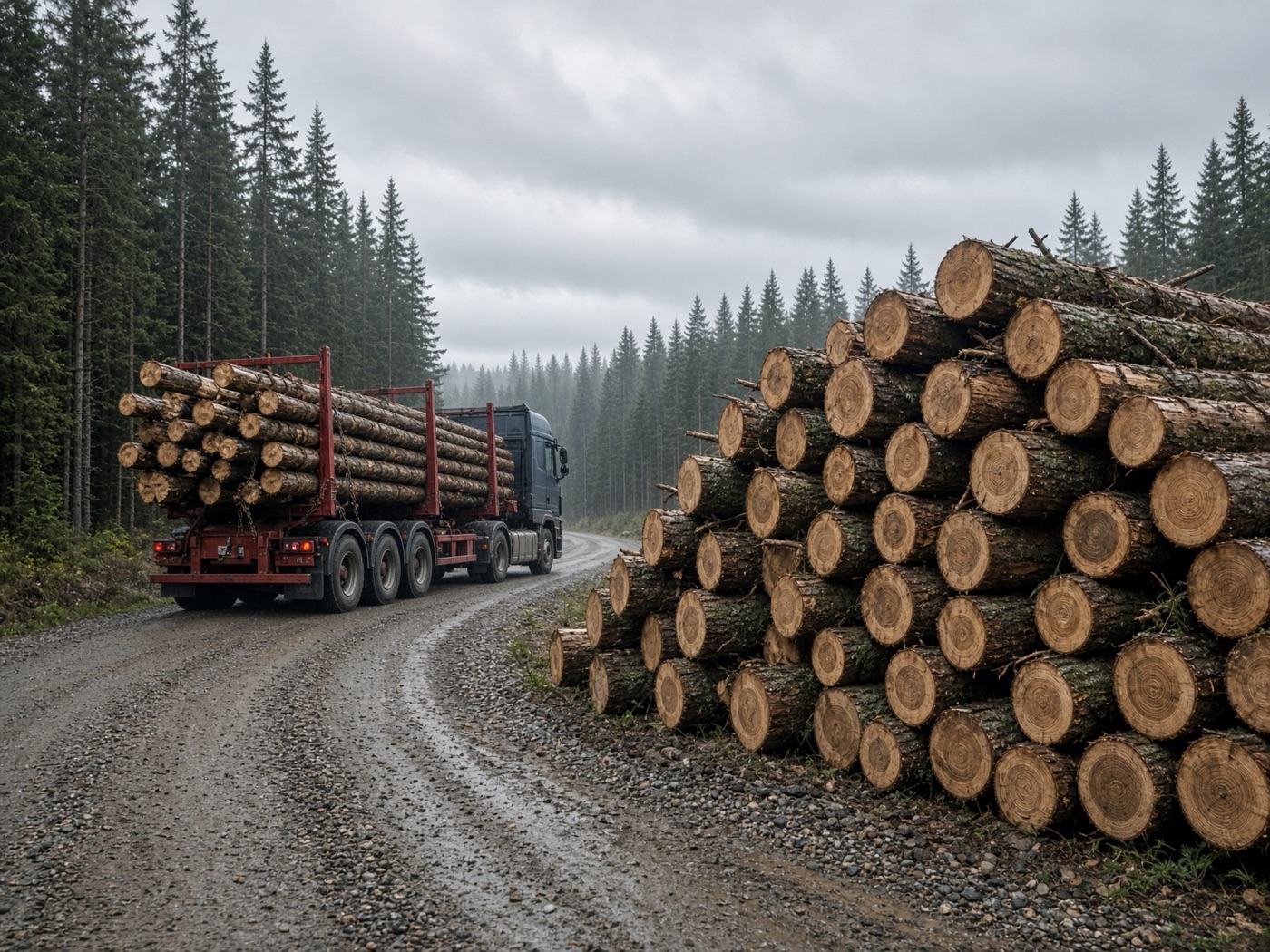
Without your own estimate, you cannot judge an offer. See an indicative value before you talk.

After a felling there are things you must do, with deadlines. mySilva lists them for you.
How it works
Free, nothing to install. All you need is your cadastral number.
Request access
Step 1
Leave your name and email. We send you an invitation link.
1 minute
Step 2
The 11-digit number of your property or land unit. Your stands load from the state register.
You need: the 11-digit number

Step 3
Map, value and the next jobs. Mark work as done as you go.
Free, on computer or phone
All features are free.
Total forest value
Optimal harvest window€178,420
▲ +€2,380 this month (+1.3%)
Growing stock by species
Property “Forest Farm”
Alerts
Duties and completed work
mySilva (by law) · deadlines are indicative
Completed work
✓ Done · Young-stand tending · 2023 · stands 26, 27
Stand 7 · 2.4 ha
Ready to harvestSuggested action: final felling
Duties and completed work
mySilva (by law) · deadlines are indicative
Completed work
✓ Done · Young-stand tending · 2023 · stands 26, 27
Property “Forest Farm”
AI assistant
In autumn 2023 we did young-stand tending in stands 26 and 27.
I prepared 2 records. Please review and confirm.
Proposal
Work done
Records are saved only after you confirm.
AI assistant
Ask a question, or paste notes about work done. It prepares the records; you confirm.
Saved only when you confirm
It can make mistakes and gives no legal advice. Always check what matters.
mySilva AI assistant
Answers from your data
Which stands will soon be ready to harvest?
AI assistant
Three stands reach felling age within 3 years:
Data: State Forest Register · Oct 2026
No black box
The value is indicative. It is not a market price or a buyer’s offer.
Volume
We take the timber volume of each stand from the state register.
Timber types
We split it into sawlogs, pulpwood and other timber types.
Prices
We apply a reference roadside price to each type.
Costs
We subtract felling, forwarding and other costs.
Updates
We recalculate monthly and when the data changes.
Only stands that have reached harvest age count. If you correct the data, we use your figures.
Stand 7 · 2.4 ha
Ready to harvestSuggested action: final felling
Total forest value
Optimal harvest window€178,420
▲ +€2,380 this month (+1.3%)
Growing stock by species
Trust
We do not buy forest or timber. We take no commission.
No other user or buyer sees your forest or your notes.
Delete a property or your whole account at any time.
Questions
Free for forest owners. Leave your name and email and we will send you an invitation.
Already have an account? Sign in
Thank you! We got your request and will be in touch.