
Skip to content

For harvesting companies · free in 2026

Every job, from plan to invoice — in one place

Buyer prices, work orders, crew reports and settlements together. Fewer spreadsheets, emails and phone calls.

app.mysilva.lv
2
phone apps for operators and drivers — work without signal
5
modules, from planning to invoice
6
partner roles — each sees only their part
10+
routine tasks the assistant prepares for you

Already in the 2026 pilot

  • Meža Apsaimniekotājs
  • Meža Zemes Fonds
  • Meža birojs

Running a harvesting company shouldn’t take this many phone calls

Excel, email, phone and paper. It works — until something slips.

Laptop with a spreadsheet and a calculator on a desk

Prices are buried in emails

Every buyer sends a different file. mySilva reads Excel, PDF or a scan and puts the prices side by side.
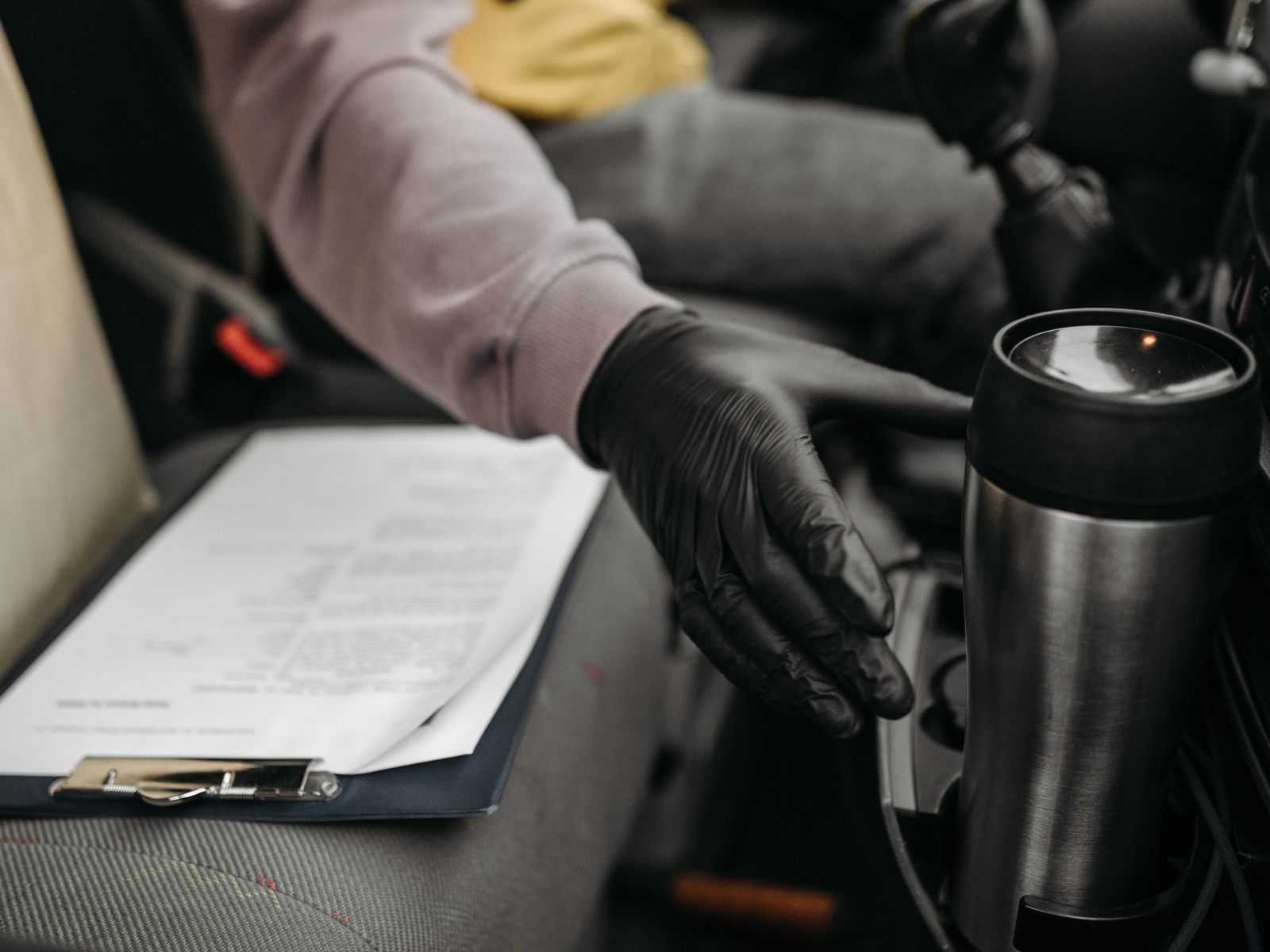
A paper report on a clipboard on the seat of a machine cab, next to a gloved hand and a thermos

Volumes arrive days late

Reports come on paper or by phone. Crews can enter them on their phones instead — even without signal.
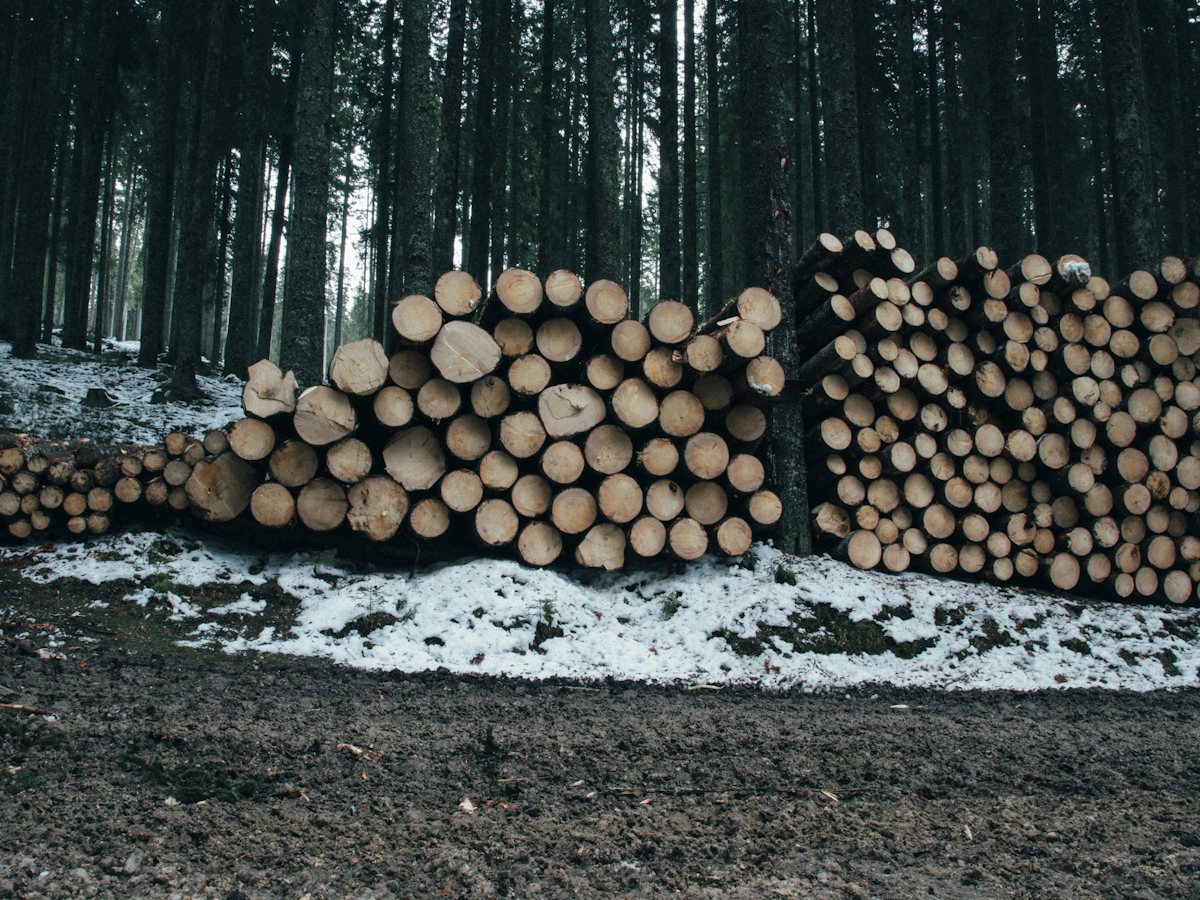
Stacks of spruce logs at the edge of a spruce forest

You see the margin too late

Mill figures don’t match the trips, so the result waits. mySilva matches them and shows what you earned on each job.

One job, four steps, nothing typed twice

Each step uses what you entered in the step before.

Plan the site and send the work order.

Import felling permits from the State Forest Service (VMD) and see the site on a map. Get a work order PDF with the map and timber products in minutes.
  • Permits imported, not retyped
  • Expected volumes by timber product
  • Protected-nature warnings while you plan

See which buyer pays most for each product.

Load price lists from Excel, PDF or a scan. Compare buyers side by side, including the estimated distance from the site.
  • Older price list versions kept
  • Each buyer’s net price at the roadside
  • Mills ranked by estimated distance

Field data the same day — not next week.

Operators send daily volumes; drivers log trips and waybills. With no signal, the phone keeps the data and sends it later.
  • Daily volumes and extra work
  • Trips with several delivery places
  • Landing stock always up to date

See what you earned on each job.

Add the mill’s acceptance report and compare it with the trip. Wages and invoice lines are calculated from your own rates.
  • Mill figures matched to trips
  • Wages from your own rates
  • Draft invoices as PDF

mySilva AI assistant

An AI assistant that does the paperwork

It sits next to the job, landing or invoice you have open and knows what you are looking at. Tell it what you need — you confirm.

What it can do for you

  • Import felling permits into a project
  • Draft a work order from your stands
  • Assign a machine and operator
  • Approve an operator’s daily report
  • Draft an invoice from unbilled work
  • Close a landing once it is hauled

For office users. Invoices, approvals and closing landings are for admins only.

It also answers about

  • work orders
  • landings and stock
  • operator reports
  • buyer prices
  • haul trips
  • invoices

It also spots things for you

mySilva checks your data on its own and lists what needs your decision. You decide.

Decide today2

  • A full landing with no trip for days
  • Finished work that is not invoiced yet

Nothing happens without your OK

Every change is a proposal first. It is saved only when you press Confirm, and only within your permissions.

mySilva AI assistant

Answers from your data

AI

What is left on landing K-3?

AI assistant

Landing K-3 has 91.7 m³ left. The last trip was 4 days ago.

  • Pine sawlogs42.6 m³
  • Pulpwood31 m³
  • Spruce sawlogs18.1 m³

Data: landing K-3 · today 09:40

Five modules. Use one or all.

All of them are included in the pilot.

01

Planning

Sites, permits, work orders and documents in one place.

Harvest planning
04

Prices

Every buyer’s price list in one place, side by side.

Price lists
05

Finance

Approved work turns into wages and draft invoices.

Finance

Also included

Partners
Contractors and hauliers see only their own jobs.
Maps and registers
Forest Register data, land boundaries and aerial photo maps.
FSC and EUDR
Checklists and evidence for certification and the EU deforestation rules.
Exports
Excel and PDF whenever you need them.

Made for the forest, where signal is weak

Two simple apps. Data waits on the phone until there is signal.

Operator app

Harvester and forwarder operators send the day’s work straight from the cab.

  • Daily volumes by timber product
  • Extra work noted on the spot
  • Work order and map on the phone
  • Works without signal

Driver app

Drivers log every load from landing to buyer.

  • Landing map and what is left
  • Photo of the load
  • Several delivery places in one trip
  • Works without signal

Your data

Data in from the registers. Documents out.

mySilva takes official data and your files, and prepares the documents you need.

Felling permits (VMD)
State Forest Register
Land cadastre and boundaries
Aerial photo maps
Enterprise Register
Your Excel, PDF and scans
mySilva
Work orders with map (PDF)
Waybills (PDF)
Draft invoices (PDF)
Haul list in Excel
Payroll file (CSV)
Price lists in Excel

2026 pilot

How to start

No IT project. We do the setup together with you.

Apply for the pilot
  1. 1
    Hands typing on a laptop at a wooden table

    Step 1

    Apply

    Fill in a short form with your name, email and company.

    About 2 minutes

  2. 2
    A support team with headsets at their desks

    Step 2

    Short intro call

    We learn how you work, answer your questions and open your workspace.

    A short call

  3. 3
    Two people working together at a laptop in a bright office

    Step 3

    Set up together

    We load your price lists, machines and rates, and plan your first job with you.

    We need: price lists, machines, rates
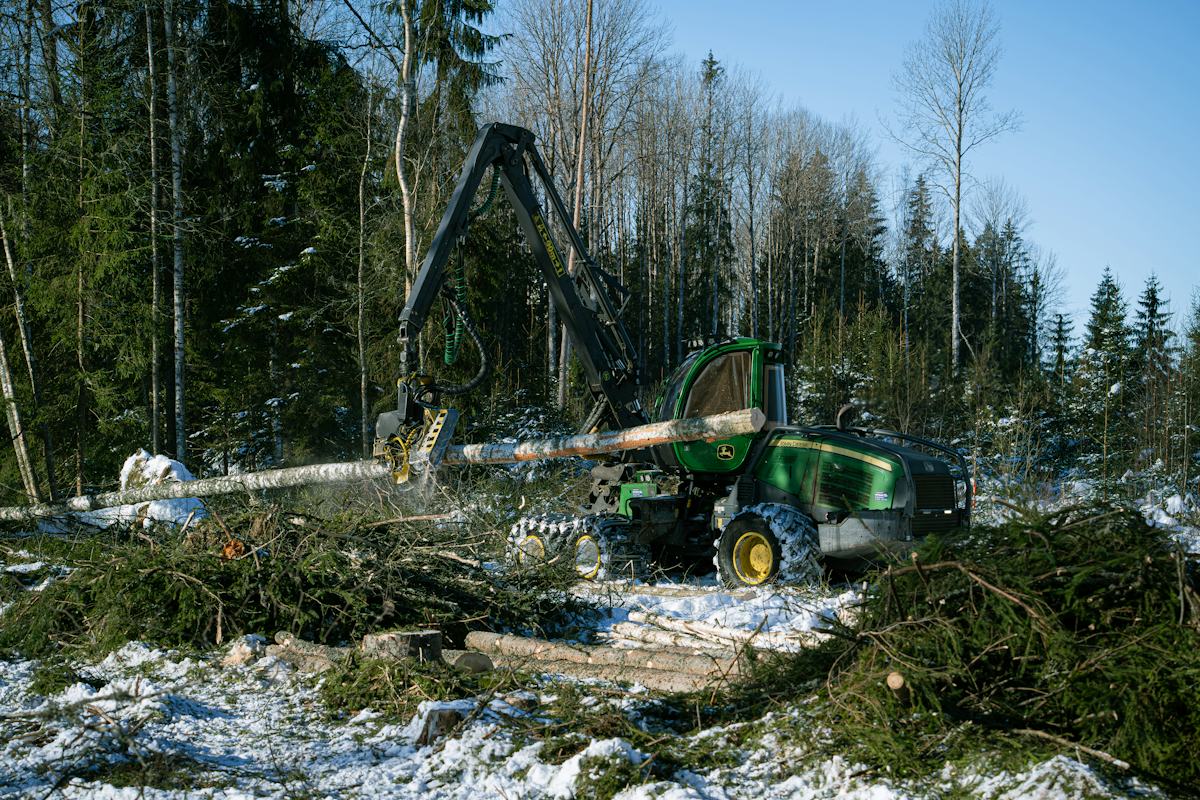
  4. 4
    A harvester at work in a snowy spruce forest

    Step 4

    Run your first job

    Take one real job from plan to invoice. Tell us what works and what doesn’t.

    1–2 weeks

Price

Free for companies in 2026

Pilot companies use mySilva free of charge and help shape it.

Limited places

Pilot programme

€0

in 2026

Apply for the pilot
  • All five modules and the assistant
  • As many users and partners as you need
  • Apps for operators and drivers
  • Setup and training with us
  • A direct line to the developers

What we ask in return

  • 1At least one real job in mySilva
  • 2A short call once a month
  • 3Honest feedback

Questions

Questions from company owners

Nothing in 2026. You get all five modules, the assistant, both phone apps, unlimited users and help with setup. We will announce later terms well in advance.

Each company’s data is kept separate. Partners see only what you give them — not your prices, unless you share them. Accounts lock after repeated failed sign-ins. More in the privacy policy.

Yes. The operator and driver apps save data on the phone and send it when signal returns. Nothing is sent twice.

It finds information and prepares tasks — a draft work order or invoice, a machine assignment. Nothing is saved until you press Confirm. It works only within your permissions.

Yes. The haul list in Excel, the payroll file, price lists and PDF documents. At the end of the pilot we provide an export of your data on request.

No. mySilva prepares settlements, wages and draft invoices, but it is not accounting software and does not connect to one yet.

Try it on one real job — free.

Pilot places are limited. Leave your details and we will get in touch to agree the start.

Already have a company account? Sign in

I am applying as